 Install FontSwap
Supreme
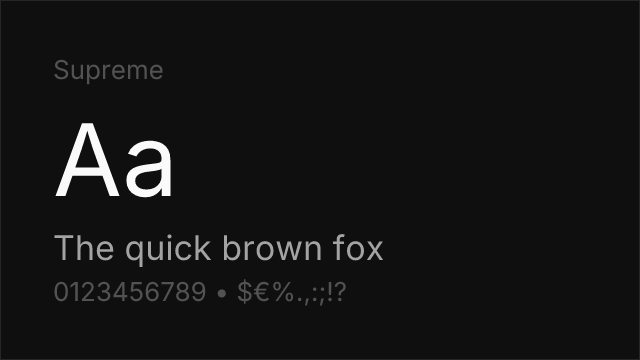
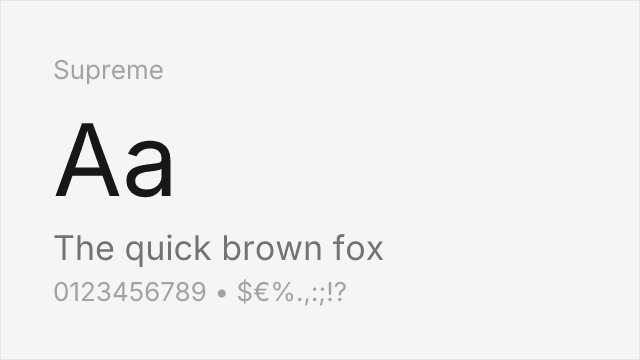
About Supreme
- Source
- ↗
- Classification
- sans-serif
- Weights
- Variable (100-900)
- Features
- Variable, Italics
Check the license terms for usage rights.
What's allowed?
- ✓ Client work
- ✓ SaaS / Web apps
- ✓ YouTube / Video
- ✓ Sell products
- ✓ Print materials
Supreme is a neo-grotesque sans-serif from Indian Type Foundry, free on Fontshare. With a wide weight range and clean construction, it serves as a solid foundation for both UI and editorial design.
Best Use Cases
Supreme works well for:
- Tech products: SaaS interfaces, developer tools
- Editorial platforms: Blog typography, newsletter design
- Brand materials: Marketing pages, pitch decks
- Corporate communications: Reports, internal tools
Usage Tips
Supreme's 8 weights from Thin (100) to Extrabold (800) with italics provide full typographic range. Use 400 for body text and 600-700 for headings. Its neutral character sits between Swiss precision and geometric warmth. Available free from Fontshare.
Is Supreme on Google Fonts?
No, Supreme is not on Google Fonts. It is available from ↗
Alternative For (4)
Supreme is a free alternative to the following premium fonts:
Compare Supreme
See how Supreme compares to other fonts side by side.
Variable Font Axes
Supreme is a variable font with 1 axis you can fine-tune.
| Axis | Min | Default | Max |
|---|---|---|---|
| wght | 100 | 400 | 800 |
How to Use Supreme
Copy these code snippets to quickly add Supreme to your project.
CSS code for Supreme
/* Download from: https://www.fontshare.com/fonts/supreme */
@font-face {
  font-family: Supreme;
  src: url('/fonts/supreme.woff2') format('woff2');
  font-display: swap;
}
HTML code for Supreme
<!-- Download from: https://www.fontshare.com/fonts/supreme -->
<link href="/fonts/supreme.css" rel="stylesheet">
Tailwind code for Supreme
// tailwind.config.js
module.exports = {
  theme: {
    extend: {
      fontFamily: {
        'supreme': ['Supreme', 'sans-serif'],
      },
    },
  },
}

// Usage in HTML:
// <p class="font-supreme">Your text here</p>
Next.js code for Supreme
// Import the font CSS in your _app.js or layout
import '/fonts/supreme.css';

export default function Component() {
  return (
    <p style={{ fontFamily: "'Supreme'" }}>
      Your text here
    </p>
  );
}
Expo and React Native code for Supreme
// Install: npx expo install expo-font
import { useFonts } from 'expo-font';

export default function App() {
  const [fontsLoaded] = useFonts({
    'Supreme': require('./assets/fonts/supreme.ttf'),
  });

  if (!fontsLoaded) return null;

  return (
    <Text style={{ fontFamily: 'Supreme' }}>
      Your text here
    </Text>
  );
}

// Download font from: https://www.fontshare.com/fonts/supreme