 Install FontSwap
Free Alternatives to Miller

About Miller
- Foundry
- Font Bureau
- Classification
- serif
- Style
- scotch
Miller is a refined serif typeface from Font Bureau. Drawing from classical typography traditions while incorporating contemporary refinements, Miller excels in editorial design, book publishing, and premium branding. Its well-balanced proportions and elegant stroke contrast ensure excellent readability in long-form text.
Why People Replace Miller
- Licensing cost: Miller requires a paid license from Font Bureau
- Per-seat pricing: Most premium fonts charge per user or device
- No variable font: Requires purchasing multiple weights separately
- Limited language support: May not cover all required scripts
- Web font licensing: Additional fees for web embedding
Best Free Alternative
Playfair Display is the closest free match at 85% similarity.
Similar high-contrast editorial elegance
Quick Comparison
| Feature | Miller | Playfair Display |
|---|---|---|
| License | Paid | OFL-1.1 |
| Weights | Multiple | Variable (100-900) |
| Variable | No | Yes |
| Cyrillic | No | Yes |
| Source | Font Bureau | Google Fonts |
FAQ
Is Miller free?
No, Miller is a premium font from Font Bureau. The best free alternative is Playfair Display.
What is the best free alternative to Miller?
Playfair Display is the closest free alternative at 85% similarity. Similar high-contrast editorial elegance
Can I use Playfair Display commercially?
Yes, Playfair Display is licensed under OFL-1.1, which permits commercial use without fees.
Is Playfair Display on Google Fonts?
Yes, Playfair Display is available for free on Google Fonts.
Does Miller support Cyrillic?
No, Miller does not include Cyrillic support. However, Playfair Display does support Cyrillic.
Is Miller on Google Fonts?
No, Miller is a premium font from Font Bureau and is not available on Google Fonts.
The closest Google Fonts alternative is Playfair Display with 85% similarity. Get it free on Google Fonts ↗
Free Alternatives (3)
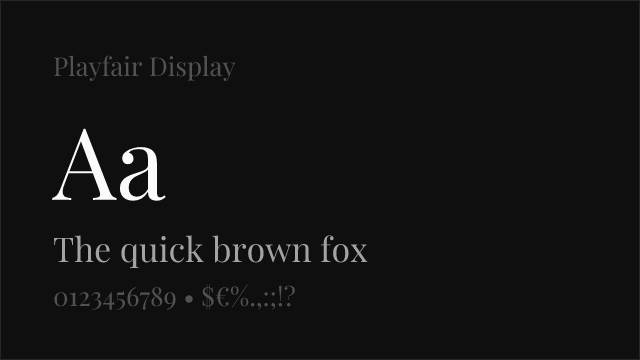
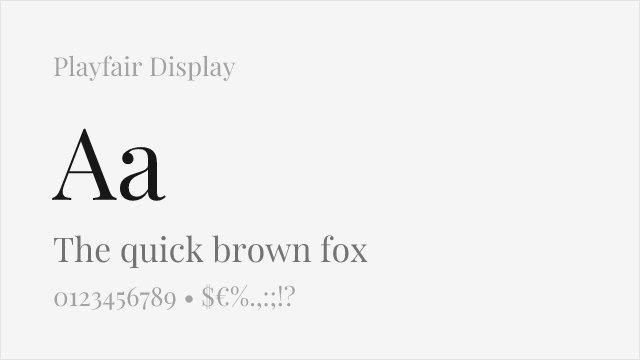
Similar high-contrast editorial elegance
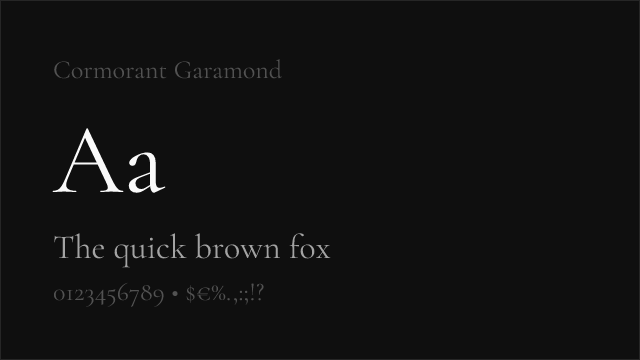
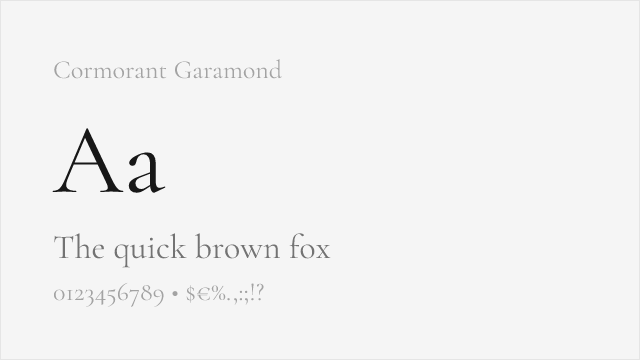
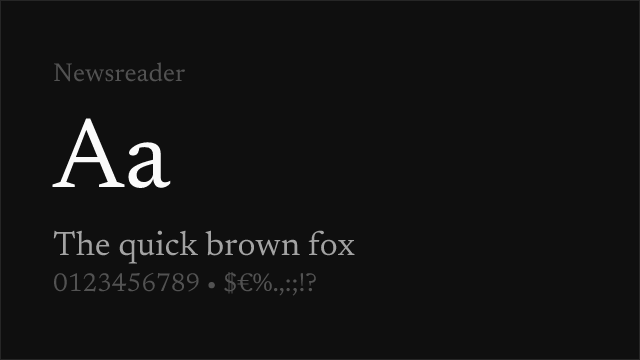
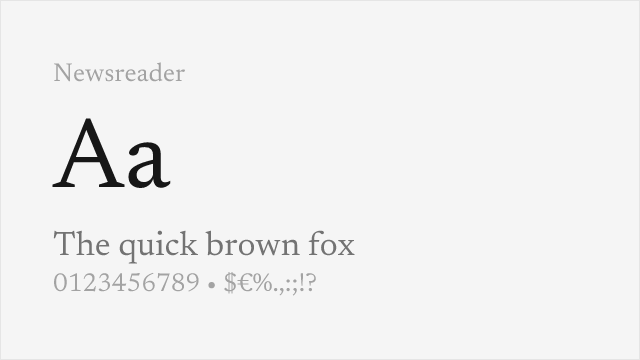
Editorial serif designed for digital news environments
See where Miller is used in the wild and swap to free alternatives live.
Install FontSwap →Performance Guide
Production performance metrics for each alternative.
How to Use Playfair Display
Copy these code snippets to quickly add Playfair Display to your project.
CSS code for Playfair Display
@import url('https://fonts.googleapis.com/css2?family=Playfair+Display:wght@100..900&display=swap');HTML code for Playfair Display
<link rel="preconnect" href="https://fonts.googleapis.com">
<link rel="preconnect" href="https://fonts.gstatic.com" crossorigin>
<link href="https://fonts.googleapis.com/css2?family=Playfair+Display:wght@100..900&display=swap" rel="stylesheet">
Tailwind code for Playfair Display
// tailwind.config.js
module.exports = {
  theme: {
    extend: {
      fontFamily: {
        'playfair-display': ['"Playfair Display"', 'sans-serif'],
      },
    },
  },
}

// Usage in HTML:
// <p class="font-playfair-display">Your text here</p>
Next.js code for Playfair Display
// Using next/font (Next.js 13+)
import { Playfair_Display } from 'next/font/google';

const playfair_display = Playfair_Display({
  subsets: ['latin'],
  weight: ['100', '200', '300', '400', '500', '600', '700', '800', '900'],
});

export default function Component() {
  return (
    <p className={playfair_display.className}>
      Your text here
    </p>
  );
}

// Or using inline styles with Google Fonts link:
// <p style={{ fontFamily: '"Playfair Display"' }}>Your text</p>
Expo and React Native code for Playfair Display
// Install: npx expo install @expo-google-fonts/playfair-display expo-font
import { useFonts, Playfair_Display_400Regular } from '@expo-google-fonts/playfair-display';

export default function App() {
  const [fontsLoaded] = useFonts({
    Playfair_Display_400Regular,
  });

  if (!fontsLoaded) return null;

  return (
    <Text style={{ fontFamily: 'Playfair_Display_400Regular' }}>
      Your text here
    </Text>
  );
}
Browse Alternatives by Context
Find Miller alternatives filtered by specific use case, style, or language support.
By Script
Frequently Asked Questions
What is the best free alternative to Miller?
Playfair Display is the best free alternative to Miller with a FontAlternatives similarity score of 85%. It shares similar proportions and characteristics while being available under the OFL-1.1 license for both personal and commercial use at no cost.
Is there a free version of Miller?
There is no official free version of Miller. However, Playfair Display is available under the OFL-1.1 open-source license and achieves a FontAlternatives similarity score of 85%. It includes variable weights and supports latin, latin-extended.
What Google Font looks like Miller?
The Google Fonts most similar to Miller are Playfair Display, Cormorant Garamond, Newsreader. Among these alternatives, Playfair Display offers the closest match with a FontAlternatives similarity score of 85% and includes variable weights for flexible typography options.
Can I use Playfair Display commercially?
Yes, Playfair Display can be used commercially. It is licensed under OFL-1.1, which allows free use in websites, applications, print materials, and commercial projects without purchasing a license or paying royalties.
Is Playfair Display similar enough to Miller?
Playfair Display achieves a FontAlternatives similarity score of 85% compared to Miller. While not identical, it offers comparable letterforms, proportions, and visual style. Most designers find it works excellently as a substitute in web and print projects.
What are the main differences between Miller and its free alternatives?
Free alternatives to Miller may differ in subtle details like letter spacing, curve refinements, and available weights. Premium fonts typically include more OpenType features, extended language support, and optimized screen rendering. However, for most projects, these differences are negligible.
Where can I download free alternatives to Miller?
Download Playfair Display directly from Google Fonts. Click the "Get Font" button on any alternative listed above to visit the official download page. Google Fonts also provides convenient embed codes for seamless web integration.