Free Alternatives to Publico

About Publico
- Foundry
- Commercial Type
- Classification
- serif
- Style
- editorial
Brands Using Publico
Publico was developed alongside Guardian Egyptian as part of the newspaper's 2005-2009 redesign led by Christian Schwartz and Paul Barnes
Used in editorial and feature article typography
Primary body typeface for the digital publication
Used in long-form investigative journalism layouts
 See Publico live on these sites with FontSwap →
Publico is a transitional serif typeface designed by Christian Schwartz and Paul Barnes, released by Commercial Type in 2009. Originally developed alongside Guardian Egyptian for The Guardian newspaper's landmark redesign, Publico was conceived as a serif companion that could handle the demands of daily news production — from tight body text columns to commanding front-page headlines. The family spans two optical sizes: Publico Text for body copy and Publico Banner for display use, each carefully tuned for its intended scale.
Publico requires a paid license from Commercial Type. Pricing follows a per-project model with separate desktop, web, and app licenses. There is no free tier or trial version. If your budget cannot support Commercial Type's licensing structure, this page covers the best open-source alternatives and what matters when evaluating them.
Why Publico Matters
Publico's significance in editorial typography cannot be separated from its origin story. When The Guardian undertook its 2005 redesign — shifting from broadsheet to Berliner format — it commissioned Christian Schwartz and Paul Barnes to create an entirely new type system. Guardian Egyptian became the masthead and headline face, while Publico emerged as the text serif capable of anchoring long-form journalism in narrow columns with high ink coverage and variable paper quality.
That newsroom DNA is what makes Publico distinctive among contemporary serifs. Where many editorial typefaces prioritize aesthetic refinement, Publico prioritizes survival: it performs under the mechanical stress of high-speed printing, remains legible in cramped mobile layouts, and maintains authority at the small sizes demanded by serious journalism. Publications like Bloomberg Businessweek and ProPublica adopted Publico precisely because it delivers this combination of toughness and sophistication.
The typeface occupies a specific position in the serif landscape: more modern and robust than traditional book serifs like Garamond, more refined than slab serifs like Guardian Egyptian, and more authoritative than the softer contemporary serifs favored by lifestyle publications. For editorial teams, choosing Publico signals a commitment to serious content.
Design Characteristics
Publico's design decisions are driven by the practical demands of news and editorial production:
- Sturdy bracketed serifs: The serif terminals are substantial enough to anchor letterforms on low-resolution screens and newsprint, without the heaviness of a slab serif — providing grip without visual weight
- Generous x-height: Lowercase letters occupy a large proportion of the body height, ensuring readability in the small sizes (9-11pt) typical of newspaper body text and cramped mobile layouts
- Moderate stroke contrast: The difference between thick and thin strokes is controlled — sufficient to give the typeface editorial character without the fragility of high-contrast designs that break down on screen
- Open counters and apertures: Letters like
a,c,e,smaintain generous openings that prevent letterforms from filling in at small sizes or in low-resolution rendering - Robust construction: Stroke junctions and transitions are reinforced to withstand the degradation of offset printing, PDF compression, and aggressive anti-aliasing on screens
- Two optical sizes: Publico Text is tuned for body copy with wider spacing and sturdier details; Publico Banner features higher contrast and tighter fitting for headline use
- Cyrillic coverage: Full Cyrillic support extends Publico's reach to Russian, Ukrainian, and other Slavic-language publications
The family ships in six weights (Thin through Black) with matching italics across both Text and Banner variants, providing comprehensive hierarchy for editorial design systems.
Where Publico Excels
Publico is at its best in editorial and publishing contexts:
- News websites and digital journalism: The robust construction and generous x-height ensure readability across the wide range of devices and screen qualities that news audiences use
- Magazine feature articles: Publico Banner provides commanding headline presence while Publico Text handles body copy with authority and comfort
- Long-form investigative journalism: The even typographic color and carefully tuned spacing reduce reader fatigue in 3,000+ word articles
- Academic journals and reports: The serious, authoritative personality suits scholarly content without feeling stiff or archaic
- Corporate annual reports: Publico communicates institutional credibility while remaining more approachable than traditional financial serifs
Where Publico Struggles
No typeface is universal. Publico underperforms in certain contexts:
- Playful or casual brands: Publico's newsroom authority reads as overly serious for lifestyle, food, or entertainment brands that need warmth and approachability
- Display at very large sizes: While Publico Banner handles headlines well, at poster or billboard scale the moderate contrast can appear flat compared to high-contrast display serifs
- Tech product interfaces: Publico's editorial personality feels misplaced in SaaS dashboards and app UI, where sans-serif typefaces dominate for good reason
- Projects requiring full CJK support: Publico covers Latin and Cyrillic but not Greek, Arabic, or East Asian scripts — multilingual projects beyond Europe need a fallback strategy
How to Choose a Free Substitute
When evaluating Publico replacements, prioritize these criteria:
- Robustness at text sizes: Publico's defining trait is its reliability in body text. Test your alternative at 14-16px in a two-column editorial layout — does it maintain the same comfortable reading rhythm without strain?
- Serif weight and character: Publico's bracketed serifs are substantial but not heavy. Alternatives with hairline serifs (Garamond-style) will read as too delicate; slab serifs will feel too blunt
- Weight range and editorial hierarchy: News design requires at least Regular, Semibold, and Bold for article hierarchy (body, subheads, pullquotes). Check that your alternative covers these stations
- Screen rendering quality: Publico was engineered for both print and screen. Test your alternative on Windows (which renders differently from macOS), on Android, and in Chrome — the inconsistencies will reveal whether the hinting and outline quality hold up
- Typographic color: Set a full paragraph in your alternative and compare the overall gray value to a Publico paragraph at the same size. The evenness of color across a text block is what separates a good editorial serif from a decorative one
Premium Font Neighbors
If Publico's approach resonates but you want to explore adjacent options:
Cluster A: Newsroom serifs (Publico's direct competitors)
- Guardian Egyptian (Commercial Type) — Publico's sibling from The Guardian redesign; a slab serif with more visual weight and wider proportions
- Mercury (Hoefler&Co) — the New York Times's editorial serif; sharper contrast and more refined details than Publico
- Tiempos (Klim Type Foundry) — similar newsroom DNA with a slightly softer, more contemporary personality
- Arnhem (OurType) — a Dutch editorial serif with strong text performance and distinctive character
Cluster B: Contemporary editorial serifs
- Lyon (Commercial Type) — Kai Bernau's refined editorial serif for literary and cultural publications
- Chronicle Display (Hoefler&Co) — higher contrast and more display-oriented than Publico; powerful at headline sizes
- Sanomat (Commercial Type) — editorial serif with more personality and quirkiness than Publico's disciplined forms
FAQ
Is Publico free?
No. Publico is a premium typeface from Commercial Type with per-project licensing. Desktop, web, and app licenses are priced separately. There is no free tier, trial version, or educational discount. For open-source alternatives, Source Serif Pro (85% similarity) is the closest match.
What is the best free alternative to Publico?
Source Serif Pro is the closest free alternative at 85% similarity. Both share transitional serif construction, moderate contrast, and a design philosophy centered on editorial readability. Source Serif Pro adds variable font support, optical sizing, and broader language coverage — making it a practical upgrade in some respects.
What is the difference between Publico Text and Publico Banner?
Publico Text is optimized for body copy at small sizes (9-14pt), with wider spacing, sturdier serifs, and lower contrast. Publico Banner is the display companion for headlines and large-scale typography, with higher contrast, tighter fitting, and more refined details. This dual-optical-size approach is common in professional editorial type systems.
Was Publico designed for The Guardian?
Publico was designed by Christian Schwartz and Paul Barnes during their work on The Guardian's 2005 redesign, but it was released commercially through Commercial Type rather than being exclusive to The Guardian. The Guardian's proprietary face from that project is Guardian Egyptian (a slab serif). Publico was developed in the same studio environment and shares the newsroom design philosophy.
Does Publico support Cyrillic?
Yes. Publico includes comprehensive Cyrillic character support, making it suitable for Russian, Ukrainian, Bulgarian, Serbian, and other Slavic-language editorial work. This is a significant advantage over many competing editorial serifs.
Can I use Publico on the web?
Yes, with a web font license from Commercial Type. Web licenses are priced by monthly page views. You receive WOFF2 files for self-hosting. Publico is not available through any font CDN or service like Google Fonts or Adobe Fonts.
What fonts pair well with Publico?
Publico pairs best with clean, disciplined sans-serifs that complement its editorial authority without competing for attention. Inter, Barlow, and Source Sans 3 all work well. The key is matching Publico's serious, professional tone — avoid playful or decorative sans-serifs that create tonal dissonance.
Who designed Publico?
Christian Schwartz and Paul Barnes, founders of Commercial Type. Schwartz is one of the most prolific and respected type designers working today, known for Guardian Egyptian, Graphik, and dozens of custom commissions for major publications and corporations. Barnes is a typographic historian whose research informs the foundry's historically grounded but contemporary approach.
Is Publico on Google Fonts?
No, Publico is a premium font from Commercial Type and is not available on Google Fonts.
The closest Google Fonts alternative is Source Serif Pro with 85% similarity. Get it free on Google Fonts ↗
Free Alternatives (8)
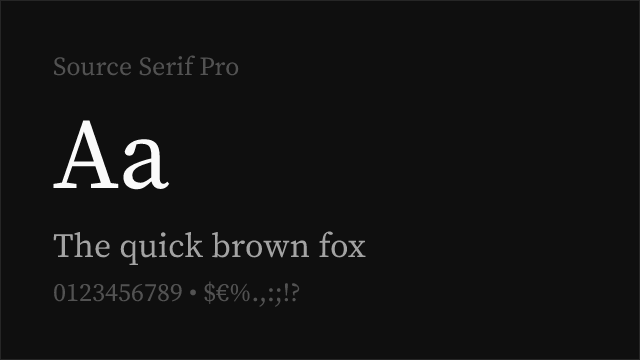
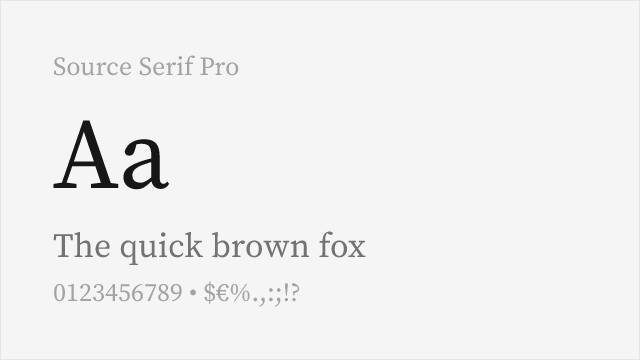
Closest structural match with similar transitional proportions and excellent screen rendering
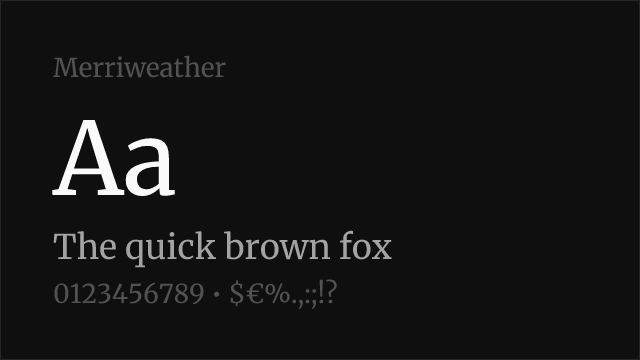
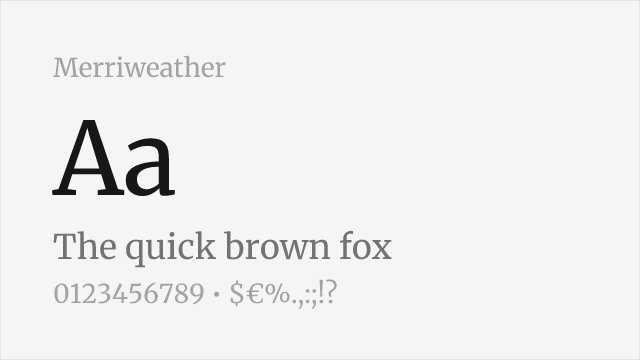
Robust screen-first editorial serif with comparable weight and presence
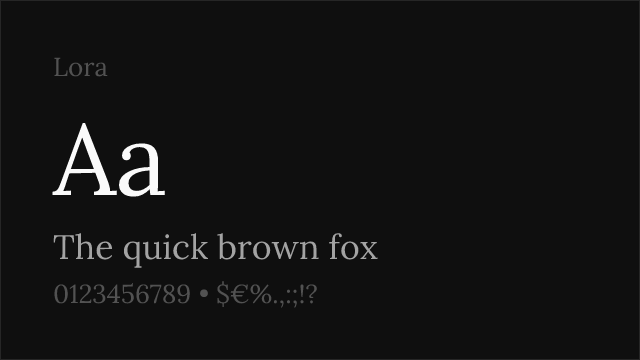
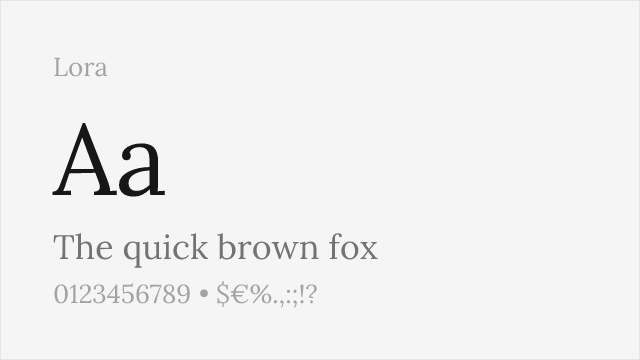
Calligraphy-rooted serif with elegant editorial presence
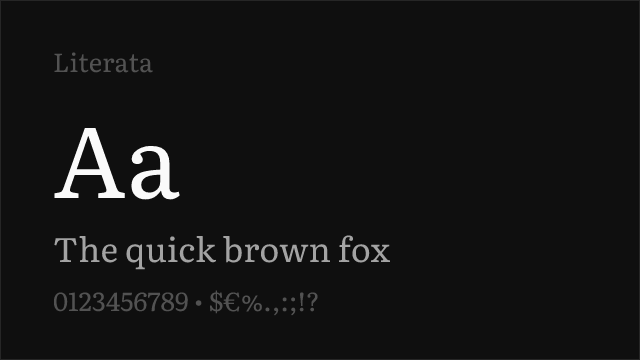
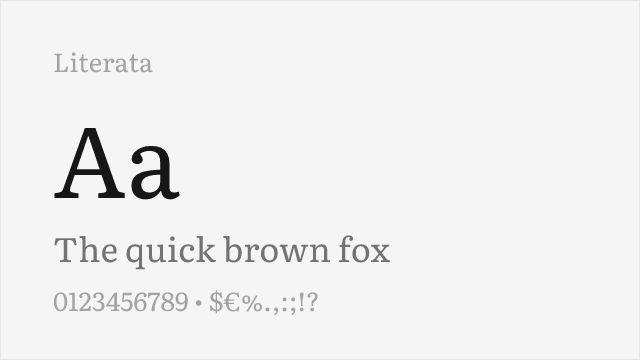
Google's reading-optimized serif with optical sizing and contemporary feel
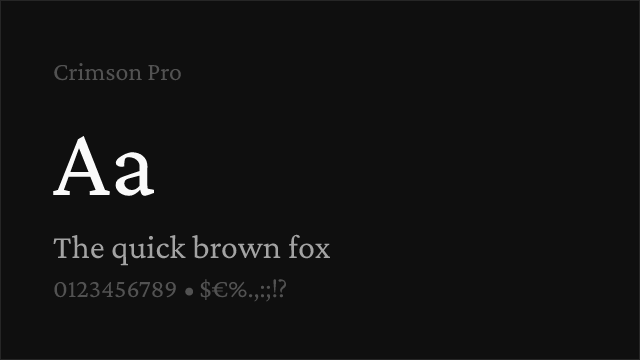
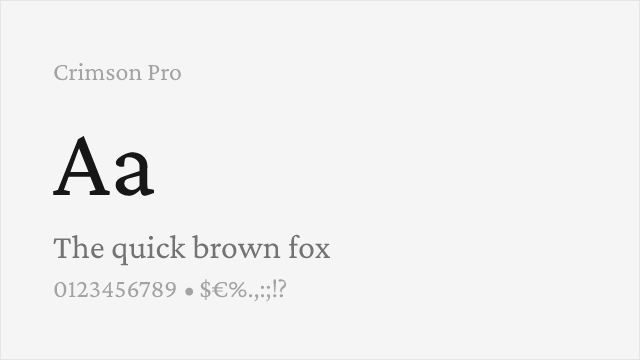
Refined old-style serif with classical elegance and full weight range
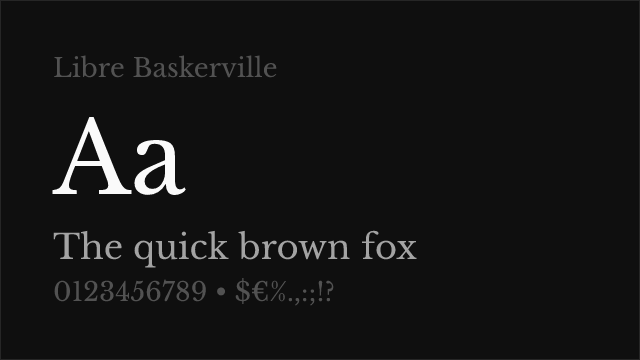
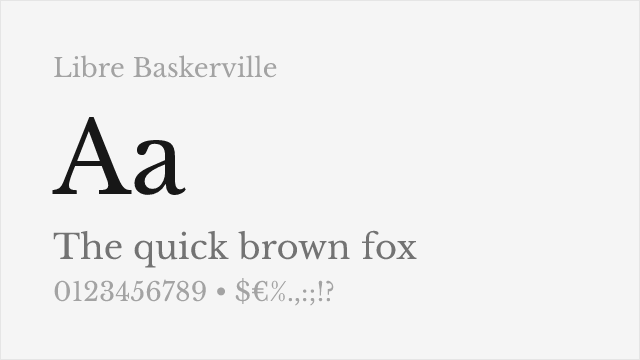
Web-optimized transitional serif with proven screen readability
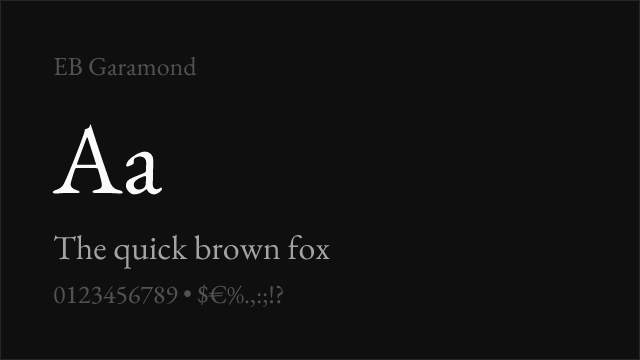
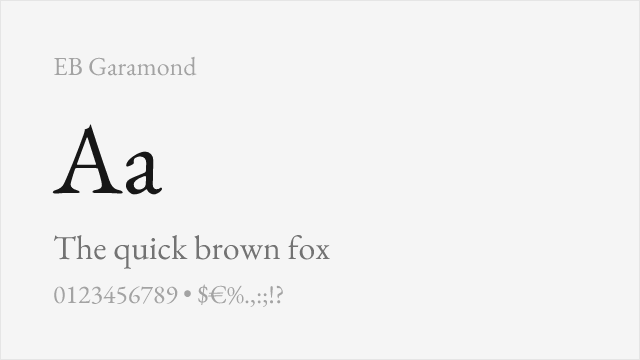
Scholarly old-style serif with exceptional language coverage
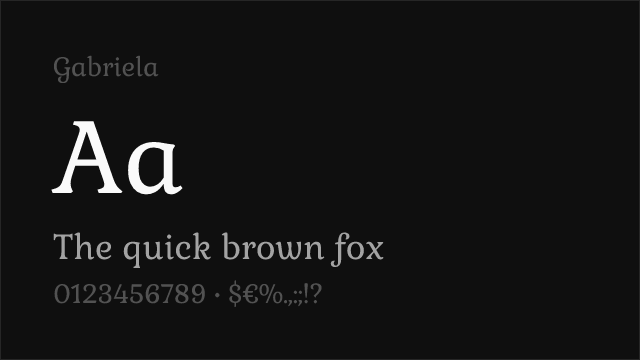
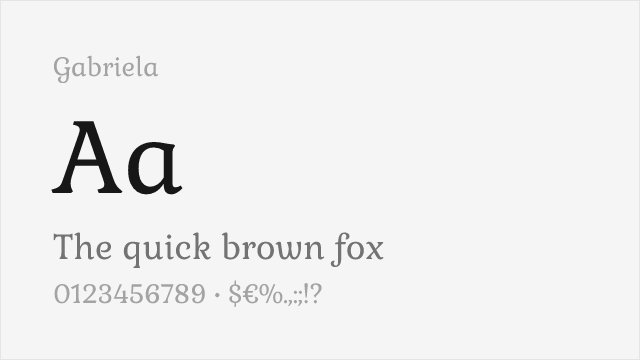
See where Publico is used in the wild and swap to free alternatives live.
Install FontSwap →Replacement Summary
Source: FontAlternatives.com
Premium font: Publico
Best free alternative: Source Serif Pro
FontAlternatives similarity score: 85%
Replacement difficulty: Low
Best for: news websites and digital publications, long-form journalism platforms, editorial magazine layouts, multilingual publishing projects
Notable users: The Guardian, Bloomberg Businessweek, The Outline
Not recommended when: Brand consistency with The Guardian requires exact letterforms
What is the best free alternative to Publico?
Source Serif Pro is the best free alternative to Publico with a FontAlternatives similarity score of 85%.
Source Serif Pro shares similar proportions, stroke characteristics, and intended use with Publico. It is available under the OFL-1.1 license, which permits both personal and commercial use at no cost.
This alternative works particularly well for: news websites and digital publications, long-form journalism platforms, editorial magazine layouts, multilingual publishing projects.
Can I safely replace Publico with Source Serif Pro?
Yes, Source Serif Pro is a high-confidence replacement for Publico. The FontAlternatives similarity score of 85% indicates strong structural compatibility.
Licensing: Source Serif Pro is licensed under OFL-1.1, which allows commercial use without licensing fees or royalties.
Weight coverage: Most weights have close or exact matches available.
When should I NOT replace Publico?
While Source Serif Pro is a strong alternative, there are situations where replacing Publico may not be appropriate:
- Brand consistency: Publico is commonly seen in News publication websites contexts where exact letterforms may be required.
- Strict compliance: Verify that OFL-1.1 terms meet your specific legal and compliance requirements.
Weight-Matching Guide
Map Publico weights to their closest free alternatives for accurate font substitution.
Source Serif Pro
| Publico | Source Serif Pro | Match |
|---|---|---|
| Light (300) | Light (300) | close |
| Roman (400) | Regular (400) | exact |
| Semibold (600) | Semibold (600) | exact |
| Bold (700) | Bold (700) | exact |
Merriweather
| Publico | Merriweather | Match |
|---|---|---|
| Light (300) | Light (300) | close |
| Roman (400) | Regular (400) | exact |
| Bold (700) | Bold (700) | exact |
| Black (800) | Black (900) | close |
Lora
| Publico | Lora | Match |
|---|---|---|
| Roman (400) | Regular (400) | exact |
| Medium (500) | Medium (500) | exact |
| Semibold (600) | Semi Bold (600) | exact |
| Bold (700) | Bold (700) | exact |
Literata
| Publico | Literata | Match |
|---|---|---|
| Light (300) | Light (300) | close |
| Roman (400) | Regular (400) | exact |
| Semibold (600) | Semibold (600) | exact |
| Bold (700) | Bold (700) | exact |
Crimson Pro
| Publico | Crimson Pro | Match |
|---|---|---|
| Light (300) | Light (300) | close |
| Roman (400) | Regular (400) | exact |
| Semibold (600) | Semibold (600) | exact |
| Bold (700) | Bold (700) | exact |
Libre Baskerville
| Publico | Libre Baskerville | Match |
|---|---|---|
| Roman (400) | Regular (400) | exact |
| Bold (700) | Bold (700) | exact |
EB Garamond
| Publico | EB Garamond | Match |
|---|---|---|
| Roman (400) | Regular (400) | exact |
| Medium (500) | Medium (500) | exact |
| Semibold (600) | Semibold (600) | close |
| Bold (700) | Bold (700) | exact |
Performance Guide
Production performance metrics for each alternative.
How to Use Source Serif Pro
Copy these code snippets to quickly add Source Serif Pro to your project.
CSS code for Source Serif Pro
@import url('https://fonts.googleapis.com/css2?family=Source+Serif+Pro:wght@100..900&display=swap');HTML code for Source Serif Pro
<link rel="preconnect" href="https://fonts.googleapis.com">
<link rel="preconnect" href="https://fonts.gstatic.com" crossorigin>
<link href="https://fonts.googleapis.com/css2?family=Source+Serif+Pro:wght@100..900&display=swap" rel="stylesheet">
Tailwind code for Source Serif Pro
// tailwind.config.js
module.exports = {
  theme: {
    extend: {
      fontFamily: {
        'source-serif-pro': ['"Source Serif Pro"', 'sans-serif'],
      },
    },
  },
}

// Usage in HTML:
// <p class="font-source-serif-pro">Your text here</p>
Next.js code for Source Serif Pro
// Using next/font (Next.js 13+)
import { Source_Serif_Pro } from 'next/font/google';

const source_serif_pro = Source_Serif_Pro({
  subsets: ['latin'],
  weight: ['100', '200', '300', '400', '500', '600', '700', '800', '900'],
});

export default function Component() {
  return (
    <p className={source_serif_pro.className}>
      Your text here
    </p>
  );
}

// Or using inline styles with Google Fonts link:
// <p style={{ fontFamily: '"Source Serif Pro"' }}>Your text</p>
Expo and React Native code for Source Serif Pro
// Install: npx expo install @expo-google-fonts/source-serif-pro expo-font
import { useFonts, Source_Serif_Pro_400Regular } from '@expo-google-fonts/source-serif-pro';

export default function App() {
  const [fontsLoaded] = useFonts({
    Source_Serif_Pro_400Regular,
  });

  if (!fontsLoaded) return null;

  return (
    <Text style={{ fontFamily: 'Source_Serif_Pro_400Regular' }}>
      Your text here
    </Text>
  );
}
Recommended Font Pairings
These free fonts pair well with Source Serif Pro Publico for headlines, body text, or accent use.
Inter's clean neo-grotesque construction provides crisp contrast against Publico's transitional serif warmth — both share disciplined, screen-first engineering that ensures visual harmony in editorial layouts
Barlow's slightly condensed grotesque proportions pair naturally with Publico's generous serif forms, creating efficient editorial hierarchies where navigation and body text need clear differentiation
Source Sans 3 and Publico's serif companion Source Serif Pro share Adobe's design DNA, making Source Sans 3 a natural sans-serif partner for any Source Serif Pro substitution of Publico in editorial systems
Browse Alternatives by Context
Find Publico alternatives filtered by specific use case, style, or language support.
Frequently Asked Questions
What is the best free alternative to Publico?
Source Serif Pro is the best free alternative to Publico with a FontAlternatives similarity score of 85%. It shares similar proportions and characteristics while being available under the OFL-1.1 license for both personal and commercial use at no cost.
Is there a free version of Publico?
There is no official free version of Publico. However, Source Serif Pro is available under the OFL-1.1 open-source license and achieves a FontAlternatives similarity score of 85%. It includes variable weights and supports latin, latin-extended.
What Google Font looks like Publico?
The Google Fonts most similar to Publico are Source Serif Pro, Merriweather, Lora. Among these alternatives, Source Serif Pro offers the closest match with a FontAlternatives similarity score of 85% and includes variable weights for flexible typography options.
Can I use Source Serif Pro commercially?
Yes, Source Serif Pro can be used commercially. It is licensed under OFL-1.1, which allows free use in websites, applications, print materials, and commercial projects without purchasing a license or paying royalties.
Is Source Serif Pro similar enough to Publico?
Source Serif Pro achieves a FontAlternatives similarity score of 85% compared to Publico. While not identical, it offers comparable letterforms, proportions, and visual style. Most designers find it works excellently as a substitute in web and print projects.
What are the main differences between Publico and its free alternatives?
Free alternatives to Publico may differ in subtle details like letter spacing, curve refinements, and available weights. Premium fonts typically include more OpenType features, extended language support, and optimized screen rendering. However, for most projects, these differences are negligible.
Where can I download free alternatives to Publico?
Download Source Serif Pro directly from Google Fonts. Click the "Get Font" button on any alternative listed above to visit the official download page. Google Fonts also provides convenient embed codes for seamless web integration.